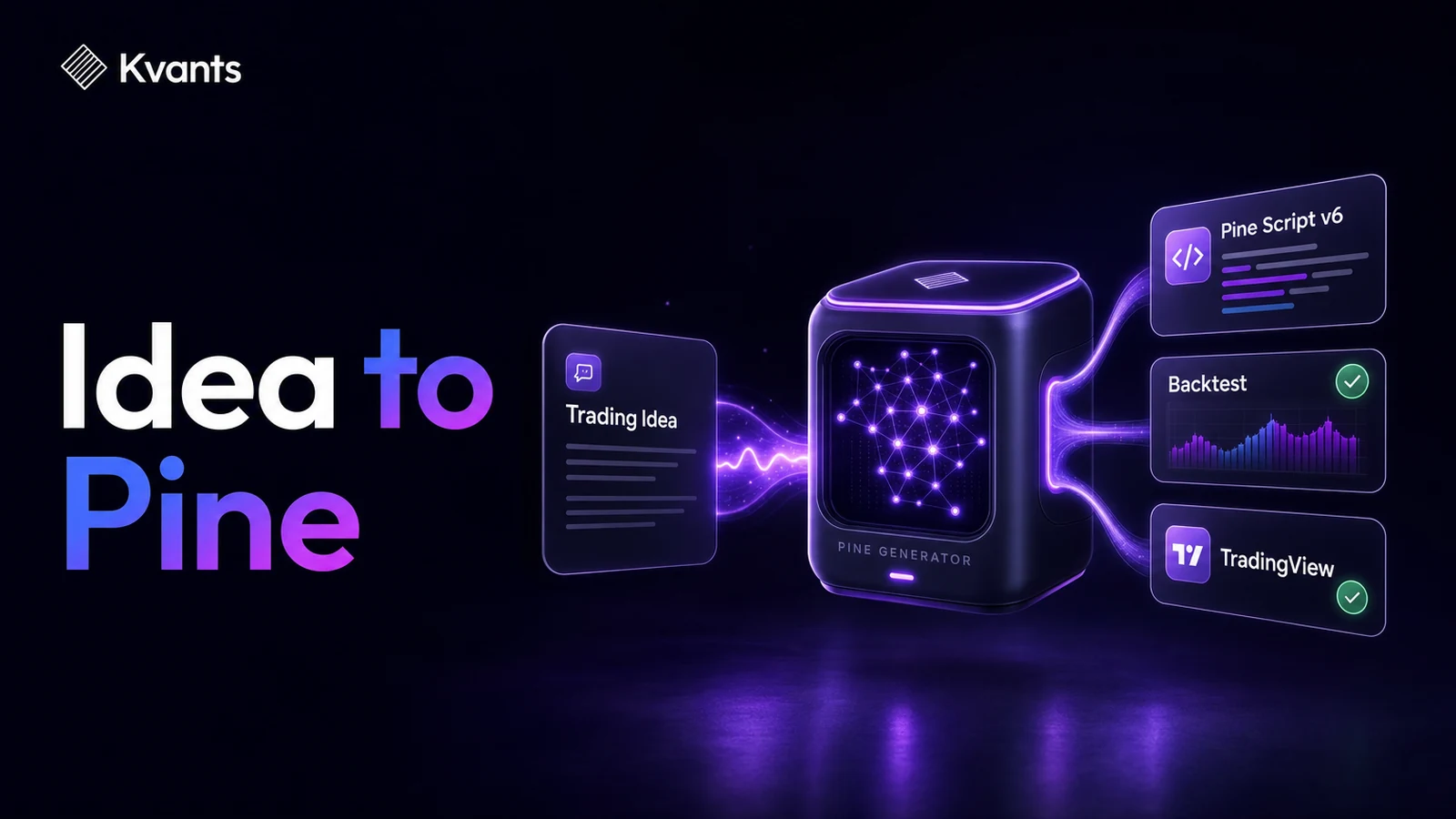
Turn a plain-English trading idea into Pine Script v6, backtest its rules, export the code, and verify the strategy in TradingView without coding it by hand.
Quick Answer
A Pine Script generator converts a plain-English trading idea into code that TradingView can compile and run. The reliable workflow is to define exact entry, exit, sizing, timing, and cost assumptions; inspect the generated rules; backtest them; export Pine Script v6; and compile the script in TradingView. The main limitation is that code generation does not validate the trading idea. A script can compile successfully and still contain weak logic, unrealistic assumptions, or rules that behave differently from what you intended.
Key Takeaways
- Write observable rules instead of asking the generator to interpret phrases such as “strong trend” or “good momentum.”
- Define entries, exits, position sizing, timeframe, trading costs, and order timing in the initial prompt.
- Backtest and inspect the strategy before exporting it to Pine Script.
- Treat successful compilation as a technical check, not evidence that the strategy has an edge.
- Compare TradingView behavior with the original specification after pasting the code.
- Revalidate any strategy after changing its parameters, market, timeframe, or execution assumptions.
What a Pine Script Generator Actually Does
A Pine Script generator translates a strategy specification into the syntax used by TradingView. It can remove the need to remember function names, declarations, order commands, and plotting syntax.
It cannot decide what an ambiguous trading idea should mean without making assumptions.
Consider this idea:
Buy when the trend turns bullish and sell when it weakens.
Several important questions remain unanswered:
- How is the trend measured?
- What qualifies as a bullish turn?
- Does the strategy enter during the signal bar or after it closes?
- Is short selling allowed?
- What exits the position?
- How much capital does each trade use?
- Are commission and slippage included?
If those details are omitted, the generator must either ask for clarification or select them on your behalf. The second outcome may produce valid code that implements a strategy you never intended to trade.
The quality of generated Pine Script therefore depends heavily on the quality of the rule specification.
A Worked Pine Script Generator Example
Suppose the initial idea is:
Buy when the 20-day exponential moving average crosses above the 50-day exponential moving average. Exit when it crosses below.
That is a useful starting point, but it is not yet a complete strategy. We need to specify order timing, trade direction, sizing, costs, and date controls.
Here is a stronger prompt:
Create a long-only strategy for daily stock charts.

Entry: Enter long when the 20-period EMA crosses above the 50-period EMA, confirmed at the close of the bar.

Exit: Close the long position when the 20-period EMA crosses below the 50-period EMA, confirmed at the close of the bar.

Position sizing: Use 10% of available equity for each entry.

Position rules: Allow only one open position and do not pyramid. Do not open short positions.

Execution: Process signals at the close of the confirming bar.

Costs: Model a 0.05% commission and one tick of slippage per order.

Testing controls: Include editable start and end dates.

Visuals: Plot both EMAs on the chart.

Output: Pine Script version 6 strategy code, not an indicator.
This prompt is more useful because another person can inspect the same chart and determine whether an entry or exit should have occurred. It also distinguishes a TradingView strategy, which can generate backtest orders, from an indicator, which only calculates or plots information.
A Pine Script v6 implementation can look like this:
//@version=6
strategy(
     "20/50 EMA Long-Only Strategy",
     overlay = true,
     pyramiding = 0,
     default_qty_type = strategy.percent_of_equity,
     default_qty_value = 10,
     commission_type = strategy.commission.percent,
     commission_value = 0.05,
     slippage = 1,
     process_orders_on_close = true
)

startDate = input.time(timestamp(2020, 1, 1, 0, 0), "Start date")
endDate   = input.time(timestamp(2030, 12, 31, 0, 0), "End date")

fastLength = input.int(20, "Fast EMA length", minval = 1)
slowLength = input.int(50, "Slow EMA length", minval = 1)

fastEMA = ta.ema(close, fastLength)
slowEMA = ta.ema(close, slowLength)
inWindow = time >= startDate and time <= endDate

longSignal = inWindow and ta.crossover(fastEMA, slowEMA)
exitSignal = ta.crossunder(fastEMA, slowEMA) or time > endDate

if longSignal
    strategy.entry("Long", strategy.long)

if exitSignal
    strategy.close("Long")

plot(fastEMA, "Fast EMA", color = color.blue)
plot(slowEMA, "Slow EMA", color = color.orange)
Generated output can vary while implementing equivalent logic. What matters is whether the code reflects the specification, compiles correctly, and produces orders at the intended time.
Exporting a Kvants strategy to TradingView Pine v6.
Step-by-Step Workflow From Idea to Compiled Script
1. Write the strategy in one sentence
State the market behavior you want to test without trying to make it sound technical. For example: “Enter long when the 20-day EMA crosses above the 50-day EMA and exit on the opposite crossover.”
This preserves the original hypothesis before implementation details are added.
2. Convert every subjective term into a rule
Replace terms such as “strong,” “near,” “high volume,” or “oversold” with formulas and thresholds.
“High volume,” for example, could mean that the current bar’s volume exceeds 1.5 times its 20-bar average. That definition is not inherently correct, but it is explicit and testable.
3. Define the information timeline
State when each value becomes available and when an order may be placed. A signal based on a daily closing price cannot be known before that daily bar closes.
This distinction helps prevent look-ahead bias and disagreements between the intended strategy and generated code.
4. Add position and risk rules
Specify whether the strategy is long-only, short-only, or both. Define position size, maximum concurrent positions, pyramiding, stop behavior, and any session restrictions.
Position sizing should not be left implicit. Otherwise, two implementations of the same signal can produce substantially different risk and drawdown.
5. Include costs and execution assumptions
Commission, spread, slippage, and order timing can change a strategy’s results. Pine Script cannot reconstruct every aspect of a live order book, but omitting known frictions makes the simulation less informative.
6. Backtest the strategy before export
In Kvants Studio, a plain-English idea can be converted into editable, auditable strategy logic and tested on NautilusTrader’s event-driven engine.
Review more than net profit. Inspect trade count, drawdown, average gain and loss, exposure, turnover, cost sensitivity, and performance across different periods. Parameter sweeps, walk-forward analysis, and crisis-stress testing can help reveal whether a result depends on one favorable setting or market regime.
The Kvants research library contains additional guides to backtesting and validation methods.
7. Export Pine Script v6
Once the logic has been reviewed, export it as Pine Script v6. Read the resulting code before using it, even if you do not write code yourself.
At minimum, locate:
- The
strategy()declaration - Indicator calculations
- Entry and exit conditions
- Position-sizing settings
- Commission and slippage assumptions
- Date, session, or market filters
You do not need to understand every character to verify that the major rules are present.
8. Paste and compile in TradingView
Open TradingView’s Pine Editor, create a new strategy script, replace the sample content with the exported code, and select the option to add it to the chart.
If the compiler reports an error, copy the complete error message rather than paraphrasing it. The line number and exact message are important when correcting generated code.
After compilation, confirm that the script is attached to the intended symbol and timeframe. Then check several historical entries manually. The moving averages, crossover bar, position direction, and exit should match the written rules.
A strategy laid out end to end in the Kvants editor.
Common Failure Modes
Asking for code before defining the strategy
A vague prompt may produce polished code filled with hidden assumptions. Freeze the rules first and generate the script second.
Confusing an indicator with a strategy
An indicator can plot signals without placing simulated orders. If you need Strategy Tester results, request a Pine strategy with explicit entry and exit commands.
Ignoring bar-close timing
Code that evaluates an unfinished bar may behave differently in real time than it appears to behave on historical bars. Specify whether signals require a confirmed close.
Optimizing until the historical result looks attractive
Repeatedly changing EMA lengths, filters, and exits to improve one backtest can fit noise. Preserve an untouched test period and use walk-forward evaluation rather than selecting parameters solely from full-sample performance.
Assuming two backtest engines must match exactly
Results can differ because of data feeds, bar construction, time zones, order sequencing, sizing, rounding, or slippage models. Investigate the first trade where the outputs diverge instead of comparing only final returns.
Treating compilation as validation
Compilation proves that the script satisfies Pine’s syntax requirements. It does not prove economic logic, robustness, execution feasibility, or future profitability.
Backtest results with metric tiles and gate coaching.
A Pre-Use Checklist
Before relying on generated Pine Script, verify that:
- The script uses Pine Script v6.
- It is declared as a strategy when backtesting is required.
- Every entry and exit condition matches the written specification.
- Signals use only information available at the decision time.
- Long, short, pyramiding, and position-size rules are explicit.
- Commission and slippage are represented appropriately.
- The chart symbol, timeframe, session, and date range are correct.
- A sample of trades has been checked manually.
- Results have been tested outside the period used to refine the rules.
- The code has not been treated as safe merely because it compiled.
Frequently Asked Questions
Can a Pine Script generator create a complete strategy from one sentence?
It can generate code from one sentence, but the result may rely on unstated assumptions. A complete specification should cover signals, exits, timing, sizing, costs, position restrictions, and test boundaries.
Do I need to understand Pine Script to use generated code?
You do not need to write Pine Script from scratch, but basic inspection is still valuable. You should be able to identify the strategy declaration, conditions, order commands, sizing, and cost settings.
Why does my generated strategy compile but show no trades?
The conditions may never occur on the selected symbol or timeframe, the date filter may exclude the available data, or an entry restriction may block orders. Plot intermediate signals and inspect each condition separately.
Why do Kvants and TradingView show different backtest results?
Differences can arise from market data, timestamps, bar construction, order timing, transaction costs, price rounding, or position sizing. Compare configuration details and trace the earliest mismatched trade.
Can generated Pine Script be used for live trading immediately?
Compilation and historical testing are not enough. Use out-of-sample testing and a controlled paper workflow first. If live use is later considered, begin with strict limits and monitor behavior against the original specification.
Should I add more indicators to improve the strategy?
Not automatically. Additional filters can reduce trades and make historical results look smoother while increasing overfitting risk. Add a condition only when it represents a clear hypothesis that can be tested on unseen data.
Risk Note
This article is educational and is not investment advice. Generated code may contain errors, and simplified backtests cannot reproduce every live execution condition. Backtested performance does not guarantee future results. Kvants is a research tool, not an investment adviser, and does not guarantee performance.
To explore the plain-English strategy workflow and Pine Script v6 export, join the Kvants Studio waitlist.